Showroom-quality car photos, straight from your phone
Selling your car? Upload a few ordinary photos, pick the effects and Photo studio gets them ready for your listing. The car stays exactly as it is; only its surroundings change.
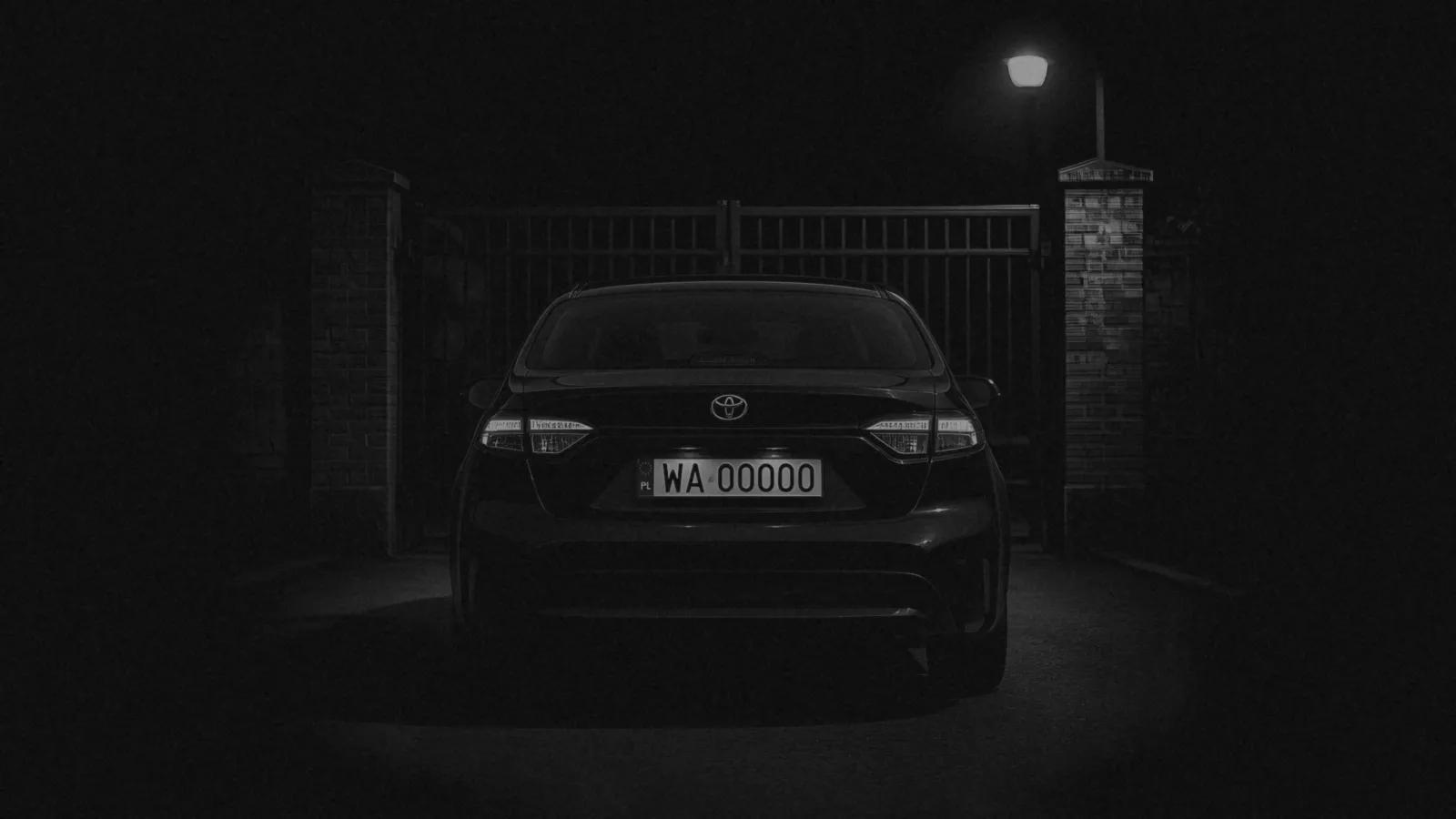
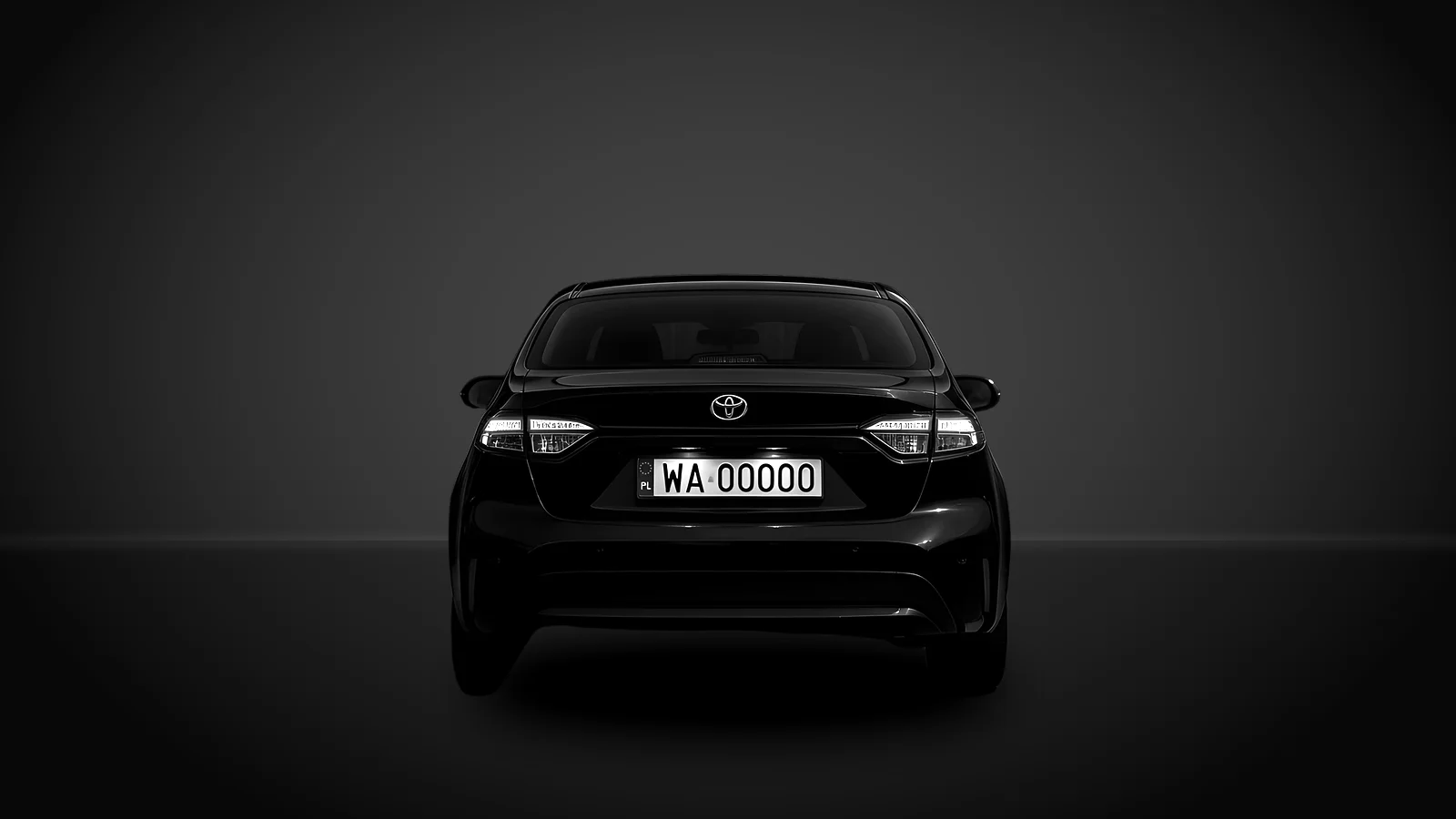 BeforeAfter
What Photo studio can do
Turn on one effect or several. Apply them to every photo or set them per photo.
Wash
Removes dirt, dust and water spots. Scratches and dents stay, so buyers see the car's real condition.
Paint shine
Adds a clean shine while the car's shape and colour stay the same.
Showroom
Puts the car in a white or dark studio, on concrete or on a sunny car lot.
Background removal
A white background or no background at all, ready to use anywhere.
Plate text
Replaces the text on the number plate with your own, for example your listing name.
Scratch markers
Honestly marks scratches that are already there. It never removes them or adds new ones.
How it works
Add photos
Pick your car in DriverLink, open Photo studio and upload a few clear exterior photos.
Choose effects
Set effects for all photos at once or customise a single photo.
Download
Compare before and after, then download one photo or all of them.
Who can use it
Photo studio is in every DriverLink account. A free account gives you 1 photo a month to see how your car looks.
A Pro account gives you 30 photos a month, enough for a full listing shoot.
Get your listing photos ready
Photo studio FAQ
Will AI change how my car looks?
No. The studio keeps the same car, wheels, colour and framing. It doesn't add new damage or hide existing damage.
Which photos can I upload?
JPEG, PNG or WebP photos up to 8 MB. Clear exterior shots of the car work best.
Do I keep the original photos?
Yes. Originals stay in the Photos tab and the edited versions go to a separate gallery.
Is Photo studio in the free plan?
Yes. A free account gives you 1 photo a month, and a Pro account gives you 30 photos a month.